
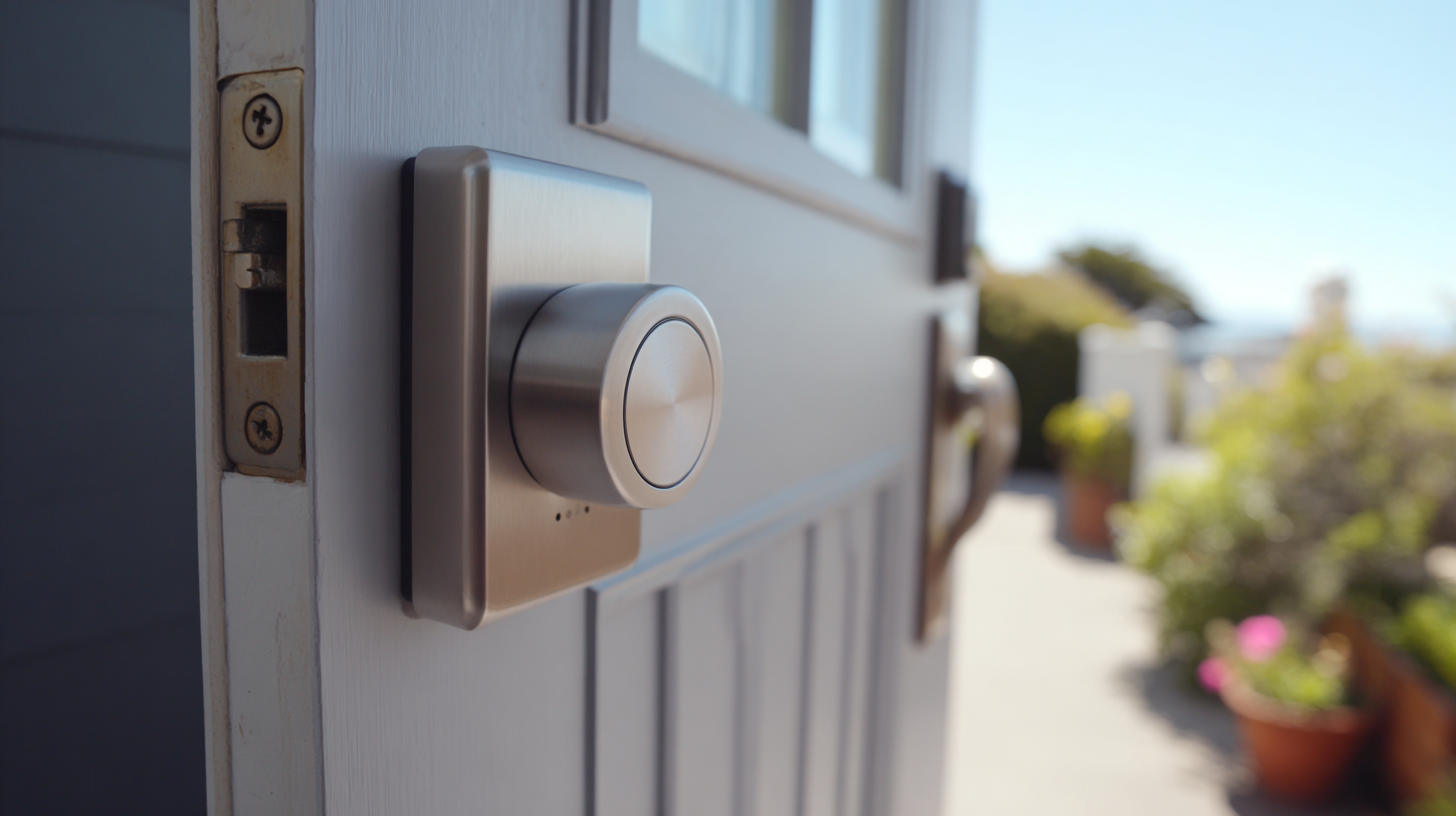
We love a good smart home upgrade. Motorized curtains, voice controls, automations that make mornings easier. But not every device earns a place in the family. Some gadgets start strong, then quietly fall apart until you are left wondering why you ever invited them into your home.
This is the story of our smart lock that slowly turned itself into a very stylish, very expensive regular lock. We learned a lot from it, and if you are building out your own smart home, maybe our mistakes can save you some frustration.
The Gift That Started It All
When we bought our house in Salt Lake City, a friend gifted us a WiFi smart lock for our front door. It looked clean. It felt well built. The install process was smooth. The app walked us through everything step by step. Even Mark, who once measured a window wrong three times in a row, got it installed in record time.
The firmware update froze halfway through. After ten minutes of waiting, we gave up and restarted the app. Somehow the lock had updated anyway. We shrugged. Tech does tech things. Not the end of the world.
The fun part came next. Setting up the auto unlock feature. The idea was simple. When you walk up to your door, it unlocks automatically. No keys. No juggling groceries. No trying to keep Copper from squeezing past your legs.
For the first few weeks, it felt like magic.
When Smart Gets a Little Too Smart
Then reality showed up.
About twenty percent of the time, the door would not auto unlock. We would stand there like confused Sims characters waiting for the green checkmark that never came. No problem. We used the app or just grabbed the physical key.
But sometimes the opposite happened. The door would unlock when we were nowhere near the house. A quick walk around the neighborhood and suddenly the app would send a cheerful notification that our front door was open. We would stare at each other like, “Did we leave someone inside?” Usually it would lock again shortly after, but still. Not ideal.
The Battery Problem That Broke Us
At week five, the battery died. No big deal. We replaced it.
At week ten, it died again. We replaced it.
By month three, it died again. We replaced it.
After a year of this cycle, we stopped replacing them altogether. The lock uses CR123 batteries, and those are not the friendly budget ones you grab at checkout. The cost worked out to almost ten dollars a month just to keep the smart features alive. That is roughly the price of Emma’s favorite snack stash. No thank you.
So we made a decision. The lock could stay on the door, but as decoration. It still works manually, but the “smart” part has been gone for years.
What We Learned
Smart home devices should make life easier, not introduce new chores. Ours taught us a few very clear lessons.
1. Convenience must be consistent
If a convenience feature fails twenty percent of the time, it stops being convenient. You should not have to guess whether your front door will unlock.
2. Automation should never surprise you
A lock opening while you are 500 meters away is not a fun surprise. It is the opposite of what a lock is supposed to do.
3. Battery life is not optional
If a device burns through batteries faster than Emma burns through blueberries, it is not sustainable. Especially when the batteries cost more than a latte.
4. Smart for the sake of smart is not smart
A device should solve a real problem. If it creates more, it belongs in the “nice idea, not worth it” category.
Our “Dumb” Smart Lock Today
People who visit our home see the lock and always ask about it. We tell them the truth. It looks cool. It works well as a normal lock. It just stopped being smart the moment it tried to charge us rent through battery consumption.
We have not used any of the smart features in years. And honestly, we are fine with that.
Should You Still Get a Smart Lock?
Probably. But get one with:
- Long battery life
- Reliable auto unlock
- Strong security reviews
- Clear installation requirements
- A normal battery type you can buy anywhere
Smart locks can be amazing when they work. Ours simply never reached that phase.
.png)
.png)