

Three months into homeownership, we set ourselves a slightly ridiculous challenge: turn our Salt Lake City fixer upper into a real smart home for under $1,500. No contractor. No monthly fees. Just the two of us, a toddler named Emma "supervising," and a golden retriever named Copper who is convinced every power drill is his sworn enemy.
We pulled it off. Here is the complete device list, what each piece cost, and why it earned a spot in our home.
Our Rules Before We Bought Anything
- Everything had to be DIY installable in an afternoon
- No monthly subscriptions, ever
- It had to survive a three year old and a 70 pound dog
- The whole project had to land under $1,500
The Complete Device List
| Device | What it does | Cost |
|---|---|---|
| RYSE SmartCurtain x2 | Motorizes the living room and bedroom curtains | $299.98 |
| RYSE SmartShade (Wired) x2 | Motorizes the roller shades in Emma's room and the office | $299.98 |
| RYSE BatteryPack x2 | Gives the shades a clean, wire-free look | $99.98 |
| RYSE SmartBridge | Unlocks voice control and schedules for every RYSE device | $49.99 |
| RYSE SmartButton | One tap nightstand control for the shades | $25.00 |
| Amazon Echo Dot x3 | Voice control in the main rooms | $149.97 |
| Smart Wi-Fi thermostat | Schedules heating and cooling, no hub needed | $129.00 |
| Smart lock | Keypad and app entry so we stop hiding keys | $129.00 |
| Video doorbell | See who is at the door from anywhere | $99.00 |
| Wyze Cam x2 | Backyard and nursery, local storage | $79.98 |
| Contact sensors (8 pack) | Doors and windows, peace of mind during nap time | $79.99 |
| Kasa smart plugs (4 pack) | Lamps, the coffee maker, and seasonal lights | $34.99 |
| Grand total | $1,476.86 |
Just under our $1,500 goal, with enough left over for a celebratory pizza.
The Heart of It: Motorized Shades and Curtains
If we had to pick a favorite, it would be the window automation. We put RYSE SmartCurtain on the living room and bedroom curtain rods, and RYSE SmartShade on the roller shades in Emma's room and the office. We added a BatteryPack to each shade so there are no cords dangling where little hands (or Copper's tail) can reach.
One thing worth knowing if you are planning your own setup: the on-device buttons and the RYSE app work right out of the box over Bluetooth. But voice control, like "Alexa, open the living room curtains," and our sunrise and sunset schedules only started working once we added the RYSE SmartBridge. That one little box was the unlock for the whole hands-free routine, so do not skip it if automation is your goal.
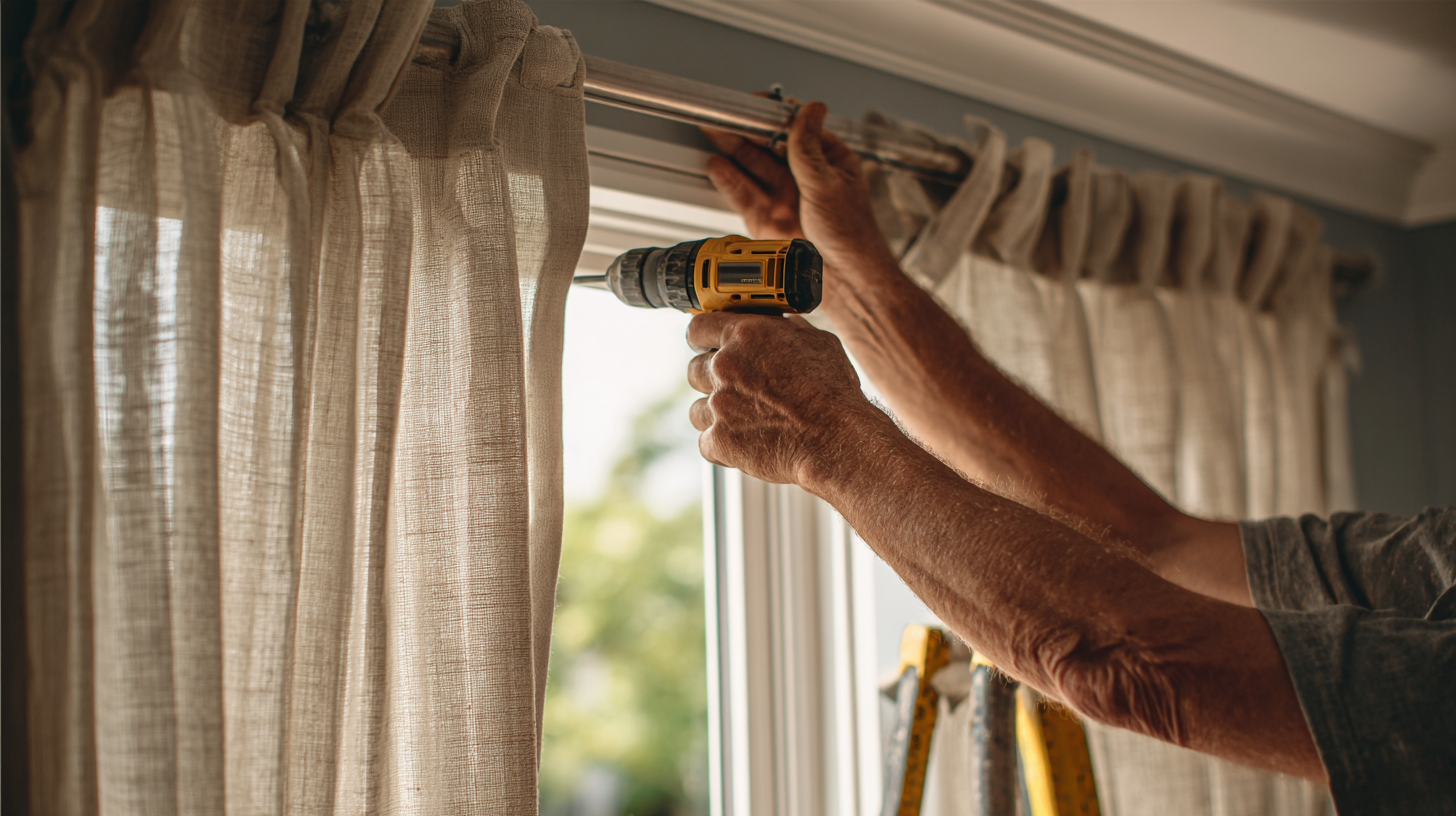
Dianne handled the planning and the schedules. Mark handled the drilling and the dad jokes. We keep a RYSE SmartButton on the nightstand so we can close everything for the night without reaching for a phone.
The Brains: Alexa and Three Echo Dots
We tested all three big ecosystems, but we landed on Alexa because Mark carries a Pixel and Dianne has an iPhone, so we needed something neutral that worked for both of us. Three Echo Dots cover the living room, kitchen, and nursery, and they tie every RYSE routine together.
Comfort and Security on a Budget
The smart thermostat learns our schedule and keeps the desert heat in check without us thinking about it. The smart lock means we stopped hiding a spare key under the planter. The video doorbell, two Wyze Cams, and a pack of contact sensors give us real peace of mind during nap time and overnight. Smart plugs handle the lamps and the all important coffee maker.
What We Would Do Differently
If we started over, we would buy the SmartBridge first instead of last. We spent our first week wondering why we could not set schedules, and the answer was simply that we had not added the hub yet. Lesson learned, and now passed on to you.
.png)
.png)
.png)