
We spend a lot of time talking about smart curtains, tools, home upgrades, and saving money. But here is something we learned this year. None of those projects matter much if your body gives out halfway through the journey.
This one is a little different from our usual smart home setup guides, but it changed our day to day life just as much as motorizing all fourteen windows.
When Too Much DIY Turns Into Real Pain
Between documenting projects, editing photos, writing guides, managing budgets, answering questions, and juggling Emma and Copper, we spend a lot of time at the computer. Mark especially. He has a habit of typing in odd positions. Think twisted torso, hunched shoulders, elbows floating mid air. Diane would walk by and say, “You are one YouTube video away from injuring yourself.”
We used to laugh about it, until the day it stopped being funny.
Mark woke up one morning with a deep ache in his forearm. Typing made it worse. Lifting anything made it worse. Holding a drill felt like punishment. The physiotherapist confirmed it. Tennis elbow. Not from sports, but from typing and clicking the mouse in a terrible posture.
DIY projects slowed down. Writing slowed down. Even measuring windows hurt.
The Search for a Better Setup
We needed a solution, so we decided to treat the desk the same way we treated our curtain rails. Research first. Try things. See what works.
The first upgrade was a Kensington trackball mouse. No sliding. No wrist twisting. Just a stationary base and a big ball you move with your fingers. It took a day to get used to, but the relief was immediate. Mark stopped irritating his elbow every time he clicked.
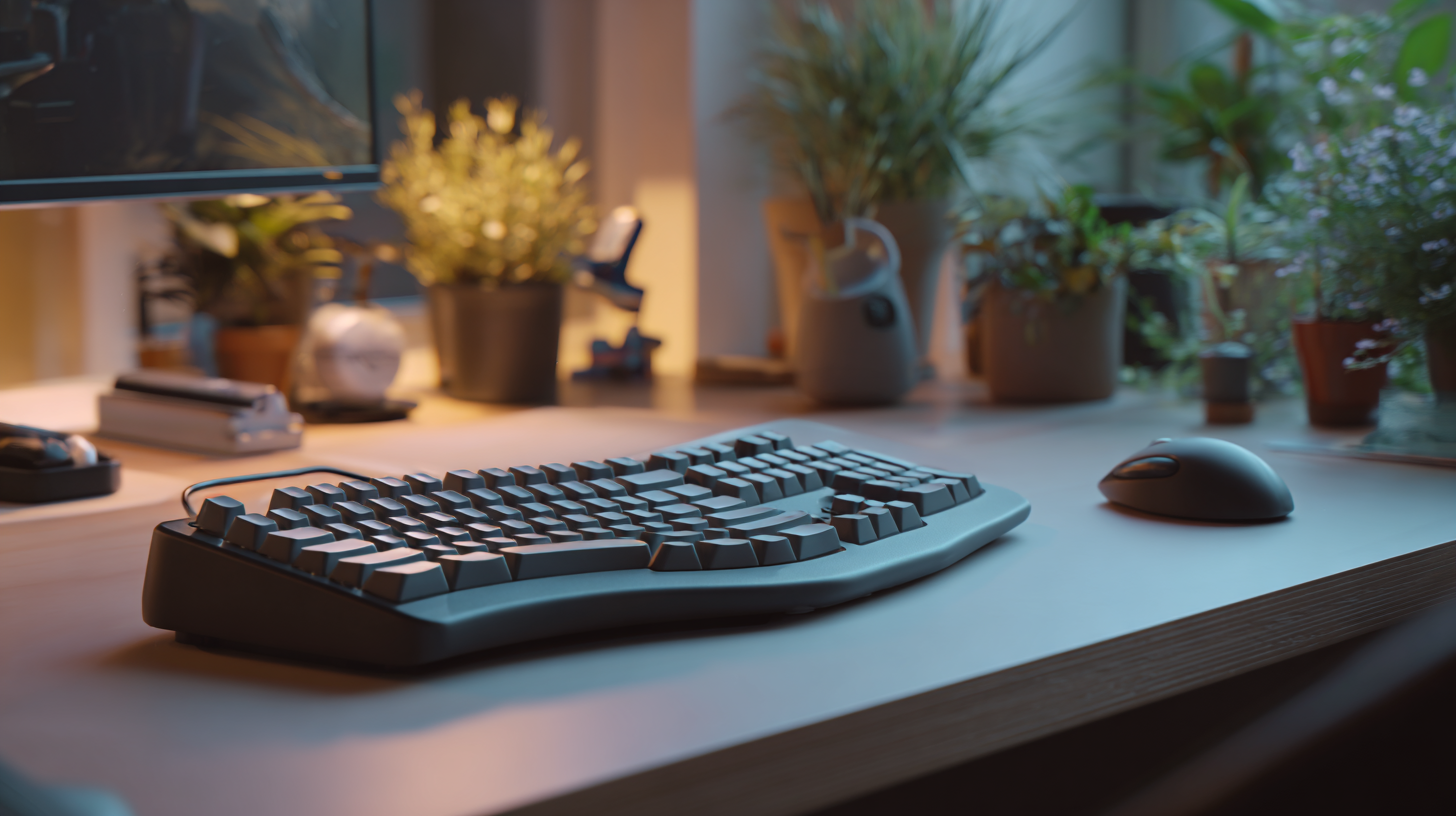
Then, during the holidays, Diane and the family surprised him with a Kinesis Advantage 2 keyboard. It looks like something from a spaceship. Split key wells. Curved layout. Thumb clusters. Everything designed to keep your arms relaxed instead of fighting gravity.
It looked strange at first. It felt even stranger. But by the end of the week, Mark noticed something surprising. He was typing longer without pain. By the end of the month, he stopped needing physio completely.
Pain Free, Productive, and Back to DIY Life
Once the new setup became part of our routine, everything changed.
- Mark could write guides again
- Measuring windows felt normal
- Editing photos did not wreck his arm
- Long evenings at the desk were manageable
- Even practicing the guitar
The injury never came back. Not once.
Why This Matters for DIY Homeowners
You do not need to be a professional blogger to understand this. If you spend time researching, planning, budgeting, and documenting your projects, your desk setup becomes part of the journey.
We always talk about saving money through DIY. But avoiding an injury might be the biggest savings of all.
What We Learned
- Pain is not a sign of productivity
- Desk ergonomics matter as much as the tools in your garage
- A trackball mouse reduces strain dramatically
- A proper ergonomic keyboard can change everything
- Prevention is cheaper than physio
- Good tools help you enjoy the process instead of surviving it
.png)
%20to%20Start%20Our%20Day.png)
.png)